
WP Debug Toolkit Pro 1.0
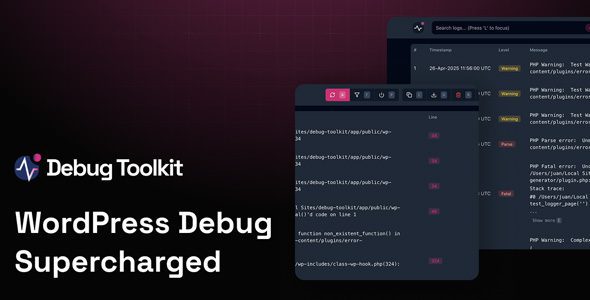
WP Debug Toolkit Pro so every log, filter and shortcut was battle-tested under fire—giving you a polished, rock-solid UI to track, jump to, and squash WordPress bugs in seconds.
- Easy on the eyes
Both user and developer friendly UI and theme switcher so debugging always feels familiar to you. - Flexible Filters
Cut through unwanted notices and warnings using the built in filters and focus only on what matters. - Independent Viewer App
Even if WordPress crashes out completely, the Viewer App will still work and show you the errors. - Powerful File Viewer
Not only read the error, but check the entire file and get full context on where your code was called from and why. - Keyboard Shortcuts
Either click away, or use system-wide hotkeys to navigate the app. It’s right on your fingertips. - Error Highlight
Easily identify the different levels and errors in a clear way. This will help you understand and fix bugs faster. - Real Time Logging
No need to wait, refresh or dig through your files to read the logs. The Viewer App displays them instantly. - Crash Recovery System
Your site crashed and got locked out of WordPress? Not an issue. Disable plugins and themes and log back in.