
Iconic WooCommerce Account Pages 1.7.1
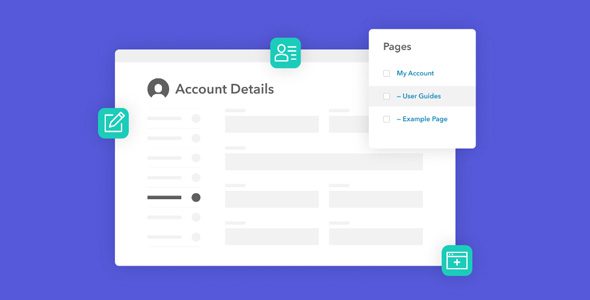
Iconic WooCommerce Account Pages Premium add custom pages and tabs to the My Account page in WooCommerce with the plugin WooCommerce Account Pages.
- Create new endpoints in the My Account area of your WooCommerce store with WooCommerce Account Pages.
- To create a new menu item in the My Account area, with WooCommerce Account Pages, you create a new page within WordPress and set the ‘Parent’ as your My Account page.
- You can create as many custom endpoints/pages as you like for the account menu sidebar. There’s no limit.
- When creating a new endpoint/page for your My Account area, you can add any endpoint content to this page. Customizing them couldn’t be easier, especially when using the Gutenberg block editor.
- You can add anything from an FAQ section, user guides/tutorials, contact forms, coupons, and more using existing shortcodes or blocks in WordPress. You don’t have to create anything from scratch.
- When creating your new endpoint/page, you can specify which user roles you want that endpoint to appear for by simply clicking checkboxes.
- This way, you can tailor your store’s user experience to specific store customers, members, subscribers, and more.
- WooCommerce Account Pages is compatible with User Role Editor, so you can get as specific and tailored as you like with these two in combination.