
Next3 Offload 4.3.7 – WordPress Optimization Plugin
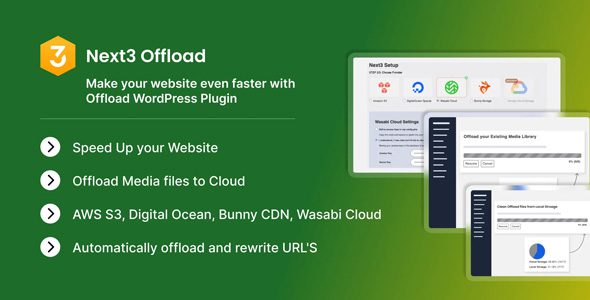
Next3 Offload to optimize, store and manage all your media files in the cloud. Make your WordPress site a high-speed and efficient online presence.
- Offload WordPress media files to the cloud.
- Easily monitor the entire offloading process from the settings page.
- Automatically rewrite URLs for a smooth transition.
- Control the offloading process with features like pause and resume.
- Display cloud storage and local storage in a percentage-based format for easy tracking.
- Effortlessly select multiple files at once and choose whether to copy them to cloud storage.
- Conveniently remove files from the cloud storage server or copy them back to the local server as needed.
- With toggle options, you can smoothly move or copy files from the Media Library to the cloud.
- Seamlessly manage various file sizes (based on WordPress media sizes) for easy copying and moving between local and cloud storage.
- Remove all offloaded media files from the server in the background to clear up storage space.
- Clean up all media files from storage space that have already been offloaded.
- Keep your eyes on the removal process from the settings page.
- Control the cleaning process with Pause and Resume options.
- Show cloud storage and local storage in percentage (%).
- Utilize its built-in feature to effortlessly move files to a new cloud storage provider of your choice.
- Download files directly to WordPress and efficiently remove them from the old provider with ease.
- Experience a smooth transition as Next3 Offload empowers you to manage your cloud storage providers.
- Initiate the restoring or moving process with a single click.
- Monitor the entire process from the settings page.
- Take control of the process with pause and resume as needed.
- Track the progress with clarity in percentage format (%).